ARQR360 vs Cappasity: What a Footwear Store Actually Gets from Each
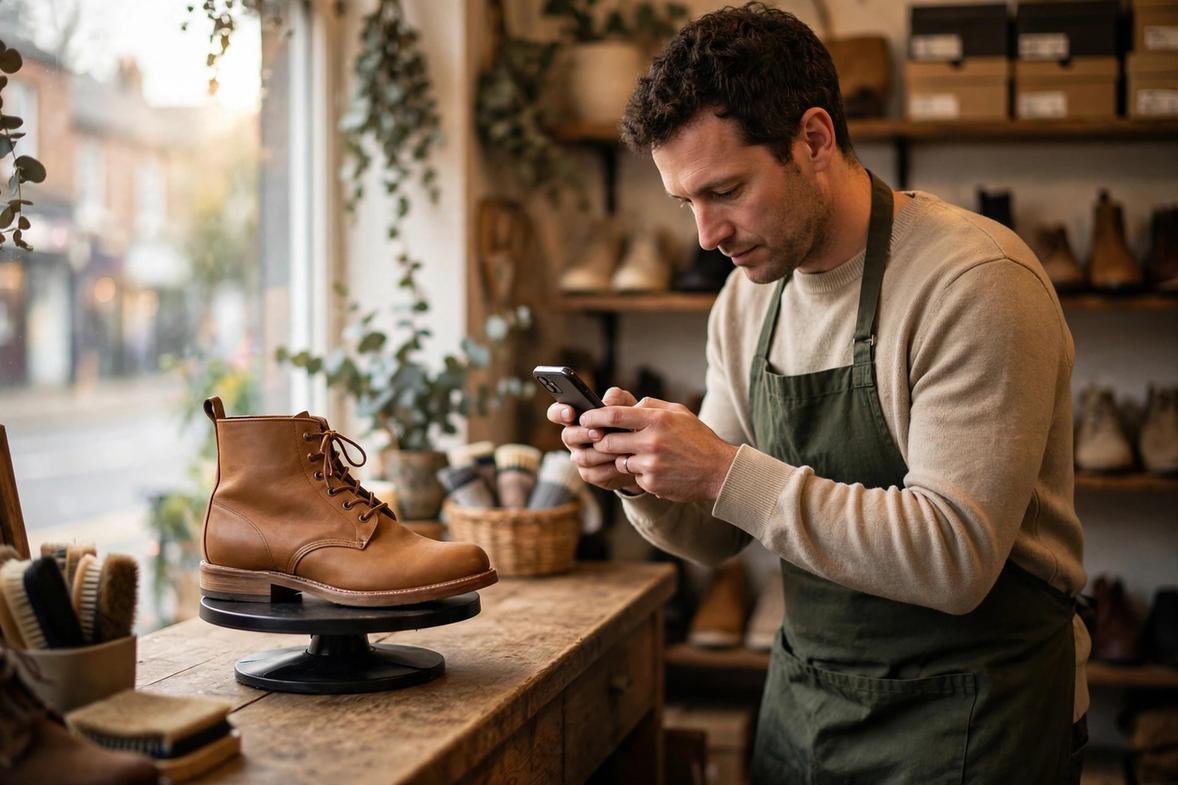
Picture a shoe store owner in Manchester. She sells leather boots and running shoes online and from one small shop. Her product pages get decent traffic. Shoppers zoom in on the photos, check the size guide, then close the tab. The shoes sit unsold.
She knows the fix is letting people see the shoe in 3D and try it in AR (Augmented Reality). So she starts comparing the tools, and one name keeps coming up: Cappasity. Then she finds ARQR360. This is the honest version of how they compare.
What Cappasity is
Cappasity is a 3D imaging platform for e-commerce. It has three parts: a SaaS platform, Easy 3D Scan software for making the content, and an API and SDK for embedding it into websites and apps. Their headline promise is speed: about 3 minutes per SKU to create a 3D view and embed it in your store.
The core idea is shoot-to-3D. You shoot a video of your product with a digital camera, run it through Easy 3D Scan, and the software produces a 3D image you upload to the platform and embed. If you already own 3D models of your shoes, you can upload those directly, switch on the AR view, and the platform generates the QR codes for you automatically.
This is a do-it-yourself platform in the true sense. You run the digitization. Cappasity supplies the software and the hosting.
What ARQR360 is
ARQR360 is a done-for-you AR catalogue for independent footwear retailers. You send photos of your bestselling shoes and their real listed dimensions, and we build true-to-size AR (Augmented Reality) views from them. You get links and QR codes that open the try-on in any phone browser. No app. No platform to learn. No shooting studio to build.
The audience is different. ARQR360 is built for stores that sell finished shoes off the shelf and want AR live this month, not brands building a digitization pipeline.
Price: a platform subscription vs one public flat rate
Cappasity offers a free Shopify app, but the free account is tight: 2 free embeds, 2,000 views a month, and a watermark on the views. A real catalogue needs a paid plan on top of that. Then there is the part nobody puts on a pricing page: the shooting setup.
ARQR360 publishes its price: $249 one-time setup and $29 a month. The model building is included. There is no product cap, no per-view fee, and no studio equipment to buy.
Setup effort: a shooting studio vs sending photos
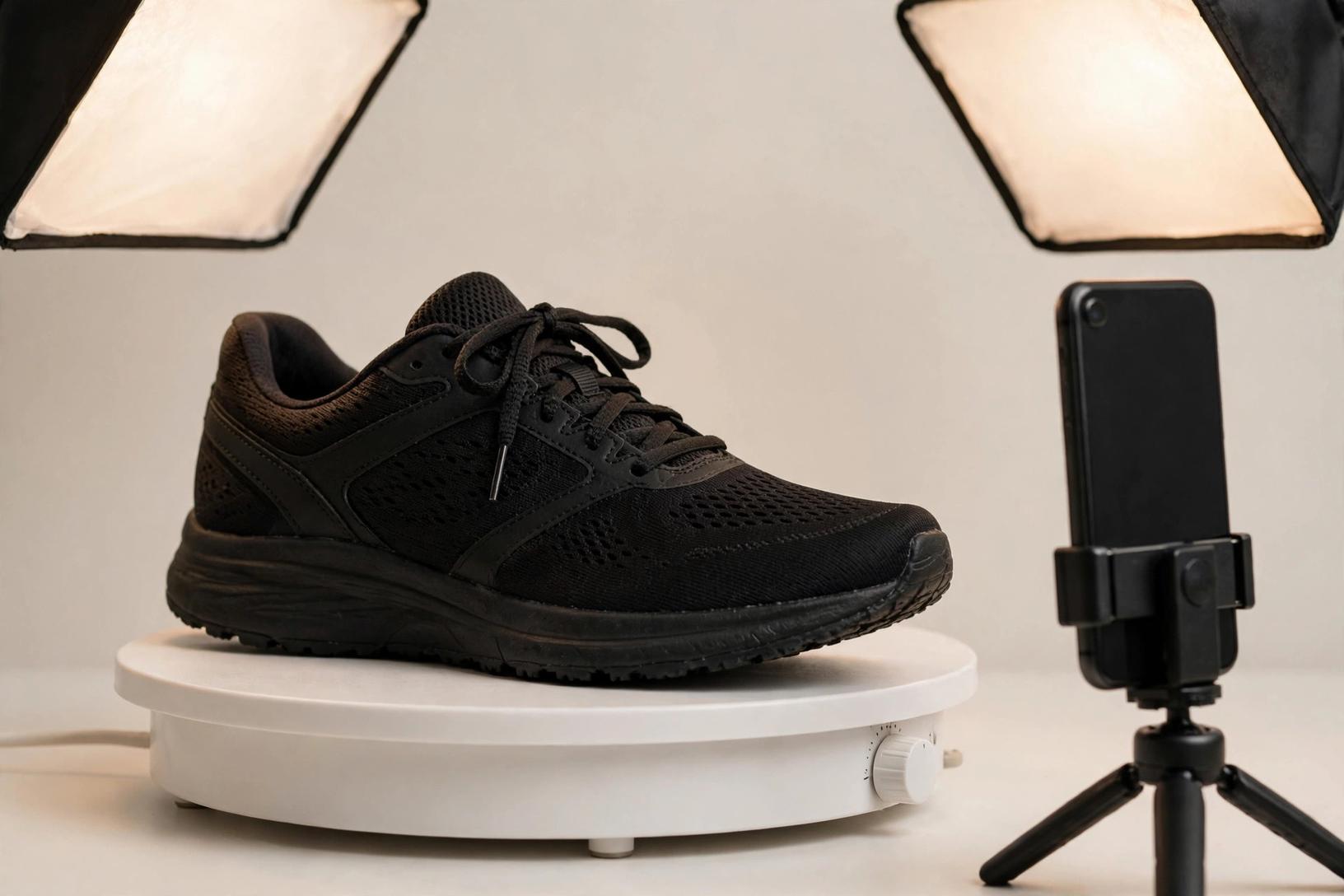
On the Cappasity route, you shoot a video of about 1.2 spins per product. For high-quality results they recommend a 4K camera, studio lighting, and a motorized turntable. If you do not own that gear or the hours to learn it, they point you to their global network of product imaging experts. Then you process each video in Easy 3D Scan, upload the result, and embed it in your store. Once the setup exists, they say one SKU takes about 3 minutes.
That is fast per shoe, and it is the right shape for a retailer digitizing hundreds of SKUs. For a shop with 40 styles, the setup is the project: the gear, the learning, and the weekly shooting sessions. Every new season of stock goes through the same process.
With ARQR360 the project is: send photos, get a working AR catalogue back in about seven days. The links go on your product pages. The QR codes go in the shop. There is nothing to buy, learn, or maintain. New season stock follows the same process: send the photos.
True-to-size accuracy
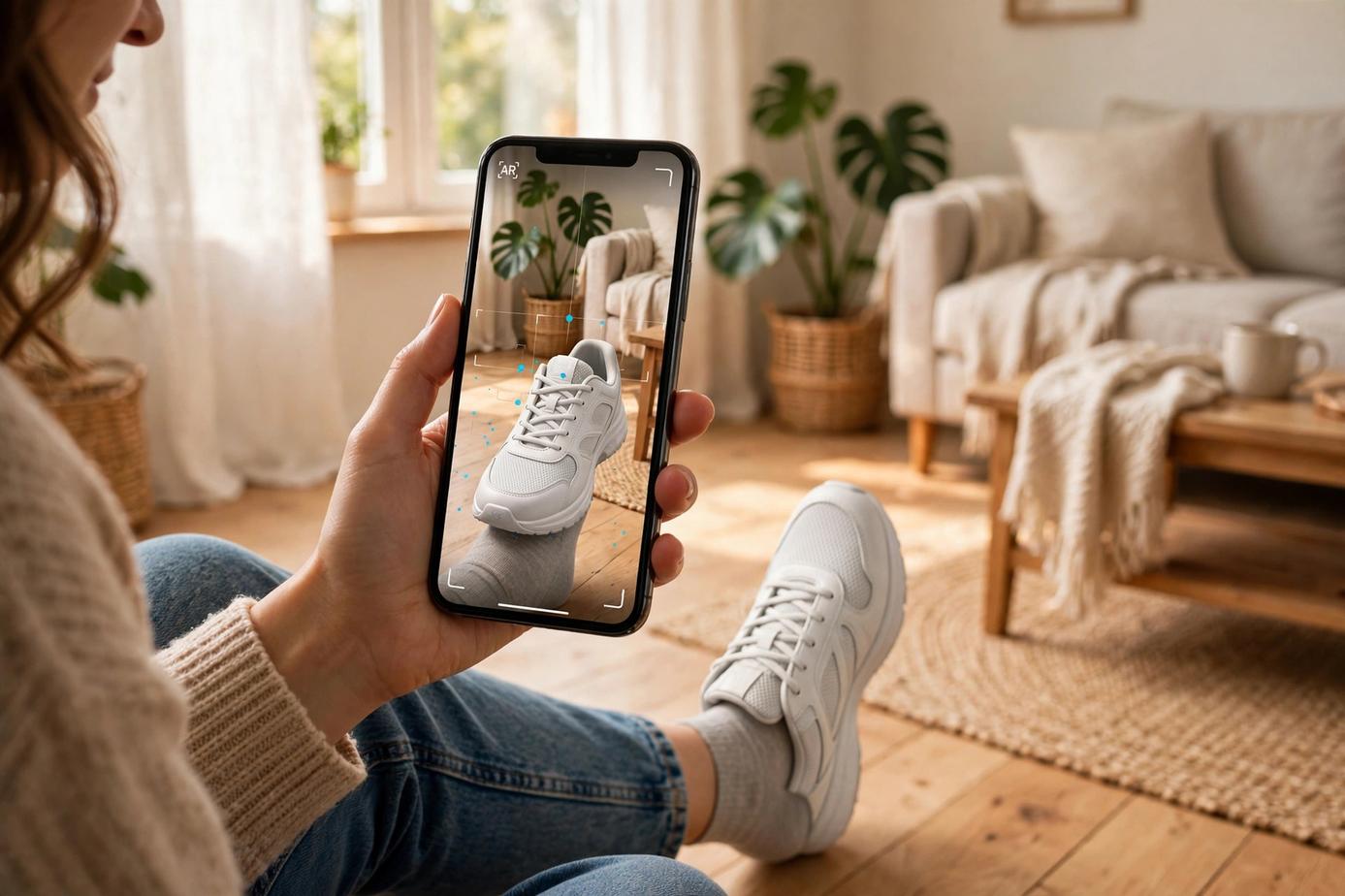
Cappasity builds its views from video frames, and they market the result as an AR Hologram made in about 20 minutes with no manual 3D modelling. It looks impressive. The question to ask them in writing is how they verify the scale against the real shoe, because a try-on that is even slightly off teaches the customer that the tool cannot be trusted.
ARQR360 builds each AR (Augmented Reality) view from your product photos against the real listed dimensions, and you check it against the actual shoe on your own phone before it goes live. The honest difference is not the technology. It is what you have to go through to get your first ten shoes live, and what it costs to keep them there.
One more number, and it comes from Shopify, not from us: products with 3D or AR views convert about 94% better than products without. Whichever route you take, a true-to-size view beats a flat photo.
Who each one fits
Cappasity makes sense if:
- You are a brand or a large retailer planning to digitize hundreds of SKUs
- You have, or want to build, an in-house shooting setup
- You want API-level control over how the 3D content lives on your site
- You have someone on the team who can own the digitization work week to week
ARQR360 is designed for stores like yours if:
- You are an independent shoe retailer or a small chain
- You sell finished shoes and hold no CAD files
- You run Shopify, WooCommerce, or a simple website
- You want shoppers trying shoes on in AR this month, not next quarter
- You need one public price with no surprises
The question to ask both vendors
Before you sign anything, ask both of us the same four questions in writing: what is the full annual cost including the shooting setup or the model building, who does the digitization work and what equipment does it need, what happens to your content if you end the contract, and does the customer need to download an app. The answers will tell you which tool fits your store faster than any feature list.
For the wider market, read the best AR tools for footwear stores in 2026 and our ARQR360 vs Seek comparison.
The cheapest way to check if AR works for your store
You do not have to commit to anything to find out. Send a photo of your bestselling shoe and we will build you one true-to-size AR (Augmented Reality) view free. Put it on your own foot, check it against the real shoe, and see if your customers would use it. If it does not convince you, you have spent nothing. Try the live footwear demo first: it opens in your phone browser, no install.
Whichever route you take, the test that matters is the same: can your customer check the shoe at true size against their own feet before it ships? AR for shoe stores explains why that one question decides it.
FAQ
How much does Cappasity cost?
Their Shopify app is free to install, but the free account only covers 2 embeds and 2,000 views a month, with a watermark. A real catalogue needs a paid plan, plus the shooting setup: a 4K camera, studio lighting, and a turntable, or a hired imaging expert from their network. ARQR360 is flat and public: $249 one-time setup and $29 a month, with all model building included.
Who does the digitization work?
With Cappasity, you do: you shoot the videos, process them in Easy 3D Scan, and embed the results, or you hire from their imaging network. With ARQR360, we do: send your product photos and real listed dimensions, and we build the AR (Augmented Reality) views for you. The first test view is free, so you can check the quality before spending anything.
Do my customers need to download an app?
No, not with either option. Both open the AR view in the phone browser, and Cappasity generates the QR codes automatically. The difference is what it takes your store to get there: a shooting setup you run yourself, or a photo you send us. Try the live footwear demo on your own phone and see.
Try it on your own product, free
Reply with a photo of your bestselling product and we will build you one true-to-size AR model free, to try on your own phone. No commitment.
Get my free model