What Canadian Shoe Stores Should Ask Before Buying AR
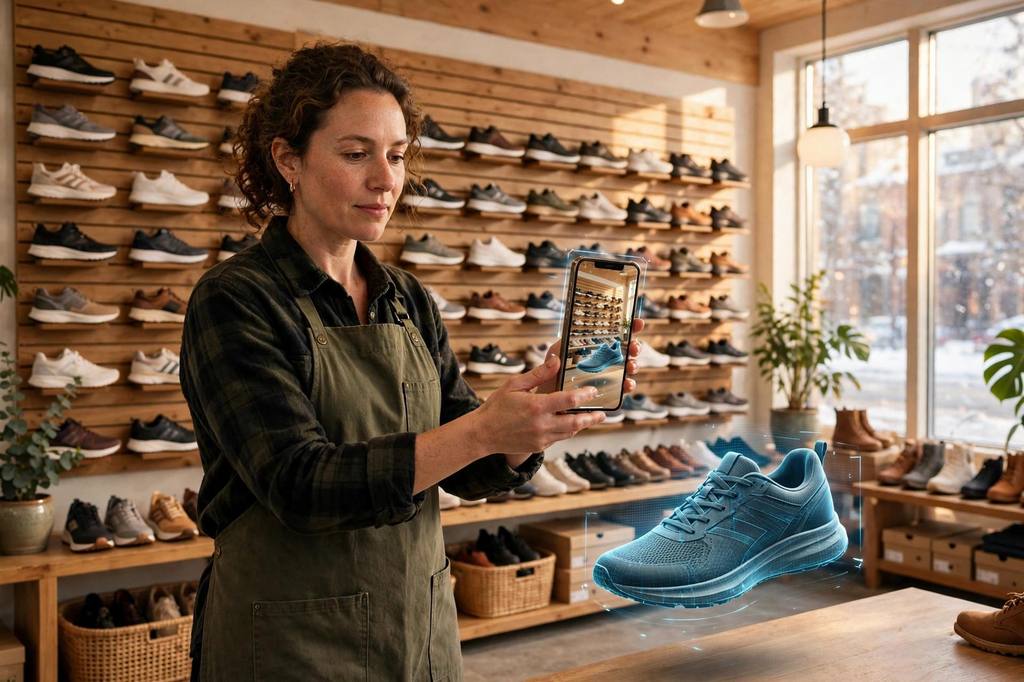
Picture a shoe store owner in Vancouver. Her shop carries leather boots, winter sneakers, and kids' school shoes. Her website lists every size in centimeters. Her returns still climb every January, when gift pairs come back and online orders turn into exchanges. The reason is almost never the style. It is the size.
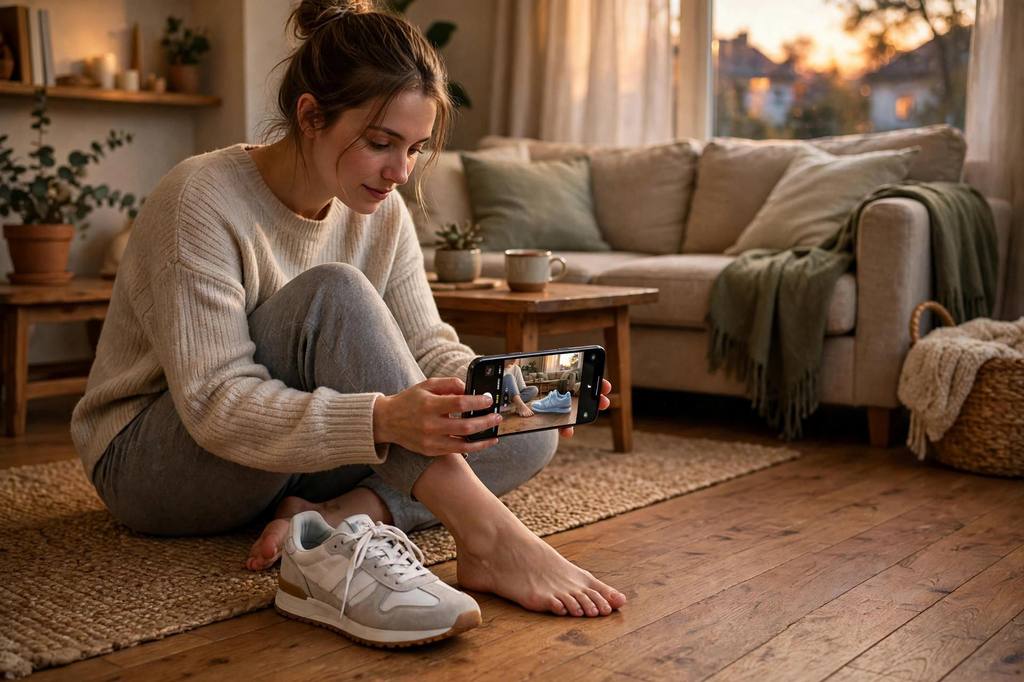
Shoes are bought on style and returned on size. A photo shows the style. The size chart shows the numbers. But the customer cannot hold their own foot next to the photo, so they guess, and guesses come back in a box. AR (Augmented Reality) views that show the shoe at its true size change that moment. The shopper points a phone at their own foot and checks the size before they buy, not after the parcel arrives.
Before she signed with any provider, she asked us what to check. This is the checklist we gave her. It fits any Canadian shoe store looking at AR, including ours.
1. True size, checked against real measurements
An AR view that is even slightly off teaches the customer the tool cannot be trusted. Ask the provider how they check scale. The answer you want: every shoe is produced from its real listed dimensions, and the scale is checked before anything ships. Our designing department works exactly that way. They build each AR (Augmented Reality) view from your product photos plus the real dimensions, and nothing goes live until the size matches.
One honest limit every shoe store should hear plainly. AR shows true size, not fit. No phone screen tells a shopper whether a boot pinches at the toe. What true size does well is stop the bracketing habit: the customer who was going to order two sizes and return one orders the size that looks right against their own foot. Fewer double shipments. Fewer repacks.
2. No app for the shopper
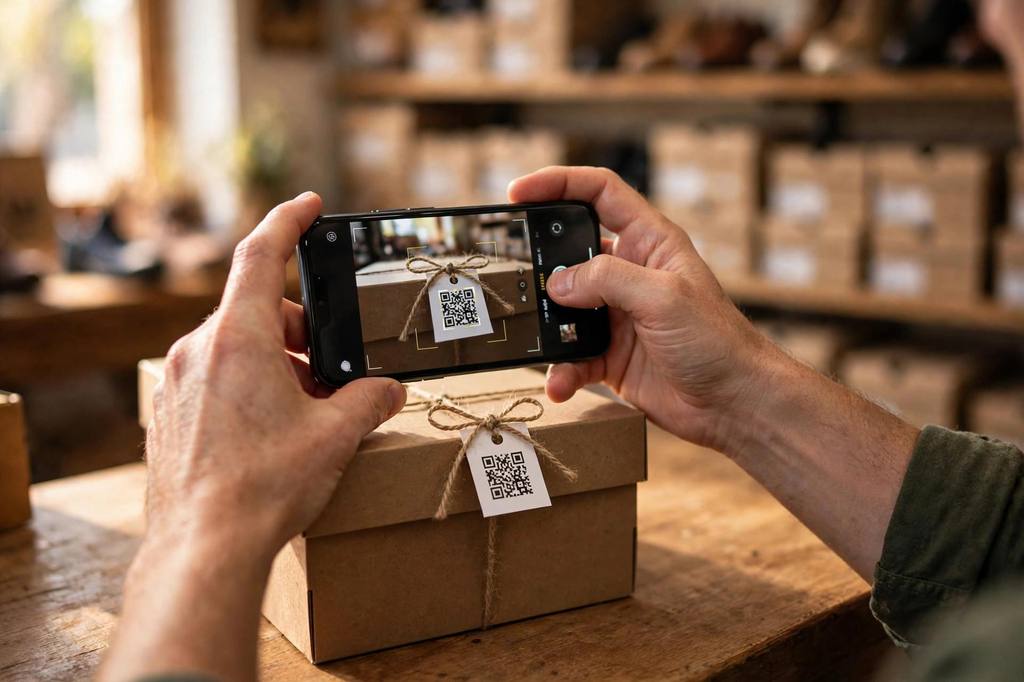
If the customer has to install an app to check a shoe size, most of them never will. People do not install apps to look at boots. Ask where the AR view opens. The answer you want: a link and a QR code that open in the phone browser. Ours do exactly that. They work on the product page, in a chat, on the shelf tag in the shop, on the shoe box. Try the live footwear demo on your own phone and time it.
3. Colours you can trust
Leather and suede shift between shop light and home light, and a phone screen adds its own shift. Ask the provider what photos they build from. The honest answer: your own product photos, and they flag it when a photo is too far off to trust. A provider that builds from your real catalogue photos is showing your shoes. A provider that works from stock images or generic renders is showing something else.
4. The whole catalogue, not just five pairs
Five AR views will not change your returns. A hundred might. Ask the provider how they handle a full range, and how long the first batch takes. This is a done-for-you question. You send photos of your bestsellers and their dimensions. Our designing department builds the views, checks each one, and hands you the links and QR codes. About seven days from photos to a working catalogue.
5. Follow-ups when your stock changes
Shoe ranges turn fast. New arrivals, sold-out sizes, the winter collection swapping in. Ask what happens after launch. With ARQR360, the follow-ups are part of the service. You send photos of the new arrivals, we build their views and add them to your catalogue. You do not hire anyone, brief anyone, or manage a project.
6. A custom package if you need one
Some stores need more than the standard catalogue: a branded AR page, a seasonal campaign view, a kiosk at a trade show. Ask the provider if they do custom work, and whether it comes from the same team. With us it does. Our designing department handles custom AR pages and features inside the same relationship, so you are not explaining your range to a second vendor.
The cheapest way to check if it works for your store
You do not have to commit to anything to find out. Send a photo of your bestselling shoe and we will build you one true-to-size AR (Augmented Reality) view free. Put it on your own phone, hold it against the real shoe, and see if it changes how you judge sizes. If it does not convince you, you have spent nothing. Try the live footwear demo first: it opens in your phone browser, no install.
For the returns side of the same story, read how UK shoe stores cut size returns with AR.
The price after the free view is flat and public: $249 one-time setup and $29 a month, with all AR view production included. No per-product fees and no product cap. One more number, and it is Shopify's own data, not ours: products with 3D or AR views convert about 94% better than products without. Shoppers who can see the true size hesitate less, and confident shoppers buy.
FAQ
Do my customers need an app to see the AR view?
No. Each shoe gets a link and a QR code that open in the phone browser. Try the live footwear demo on your own phone. Nothing to install.
What do you need from my store to build the free view?
One photo of the shoe and its real listed dimensions. That is it. Our designing department produces the true-to-size AR (Augmented Reality) view and checks it against the dimensions before it ships.
What does it cost after the free view?
The price is flat and public: $249 one-time setup and $29 a month, with all AR view production included. No per-product fees and no product cap. The first view is free, so you decide with the thing in front of you.
Try it on your own product, free
Reply with a photo of your bestselling product and we will build you one true-to-size AR model free, to try on your own phone. No commitment.
Get my free model